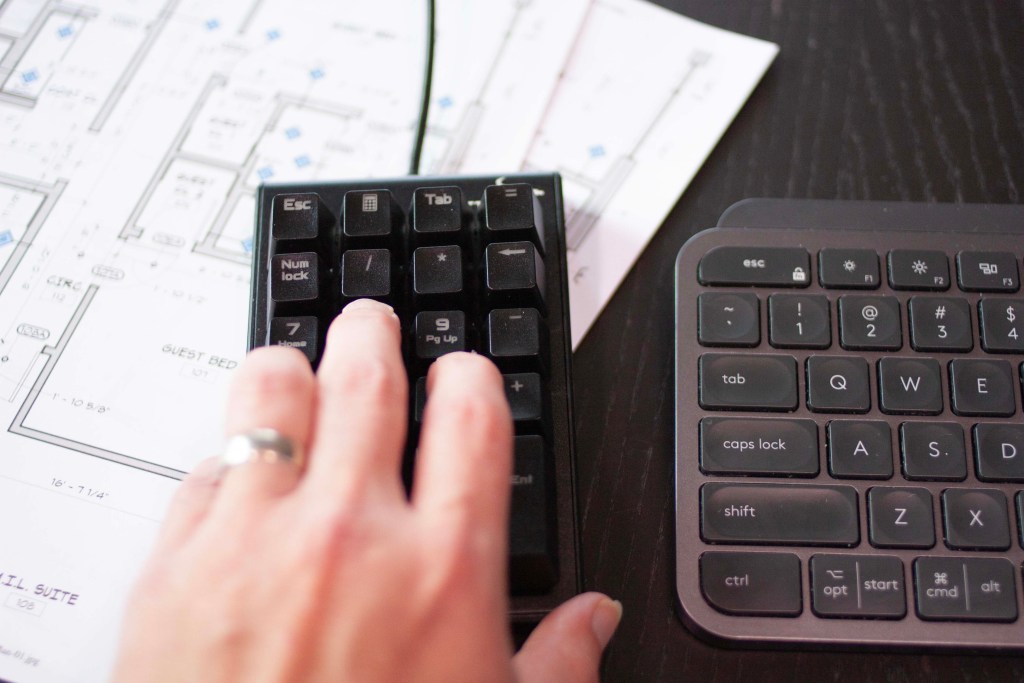

Turn any $20 numberpad into a drafting powerhouse. Draft 40% faster.
Execute AutoCAD & Revit commands instantly with your left hand while your right hand stays on the mouse. No more keyboard shortcuts, no more UI hunting – just pure drafting speed.
Free 30-day trial. No credit card required.
AutoCAD and Revit are beasts.
Many commands are used frequently, so shouldn’t they be easier to execute?

There is a better way
Don’t use your standard keyboard or the AutoCAD/Revit ribbon to interact with AutoCAD.
Take an ordinary USB number-pad, pair it with RapidPad software and you can super-charge your drafting!
No Code Necessary
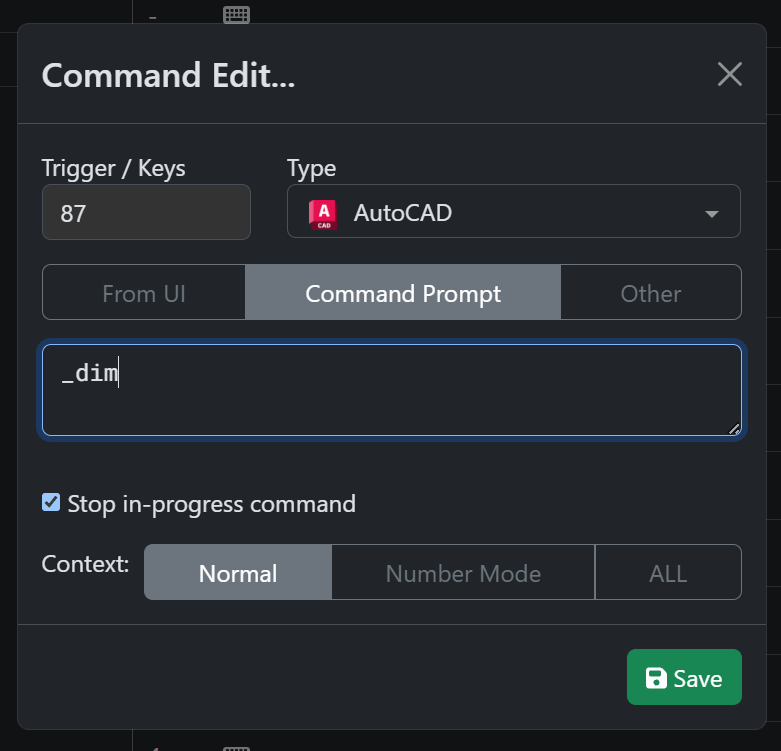
No LISP routines needed. You can easily setup key mappings to AutoCAD or Revit commands.
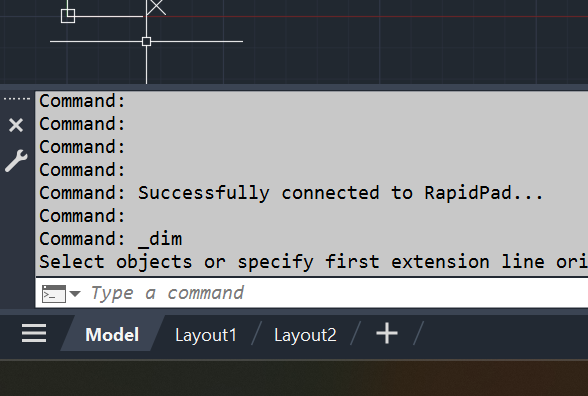
AutoCAD and Revit Integration
RapidPad works great with AutoCAD and Revit.
“It’s one of the most reliable and important pieces of equipment / software that I use daily.I recommend RapidPad for anyone that uses a computer and wants to speed up your production.”
Edgar Arvizu, DxU Architects
Try RapidPad today with a 30-day free trial
Start a trial within the app. View documentation on getting started.
Our pricing
Our pricing structure is built to be affordable for individuals or firms.
monthly or yearly
$24
/mo
$16.58 /mo when billed yearly. Save 30%
Super-charge your drafting
- Integrates directly with AutoCAD
- Fully customizable
“As a CAD Manager and Drafter, I not only use RapidPad—I require my team to use it. After just a few days, every drafter says the same thing: they’ll never go back. Imagine launching any AutoCAD or Revit command with just two keystrokes—no Enter, no extra clicks. For example, instead of typing ‘LINE Enter CLICK’, I just hit ’55 CLICK’. That’s half the keystrokes to start a line, and that same speed boost applies to every command. RapidPad pays for itself in a single project, even accounting for the learning curve. It’s fast, intuitive, customizable—and now, I won’t run CAD without it.”
Aaron Cotham, ADG llc Drafting