
We are constantly improving RapidPad. In order to get the latest updates you can do so within the app or just download the latest version here on our site.
From within the RapidPad app
Right click on the RapidPad icon in your system tray, and tap ‘Check for updates…’

The app will check for updates and display the changes and version available.
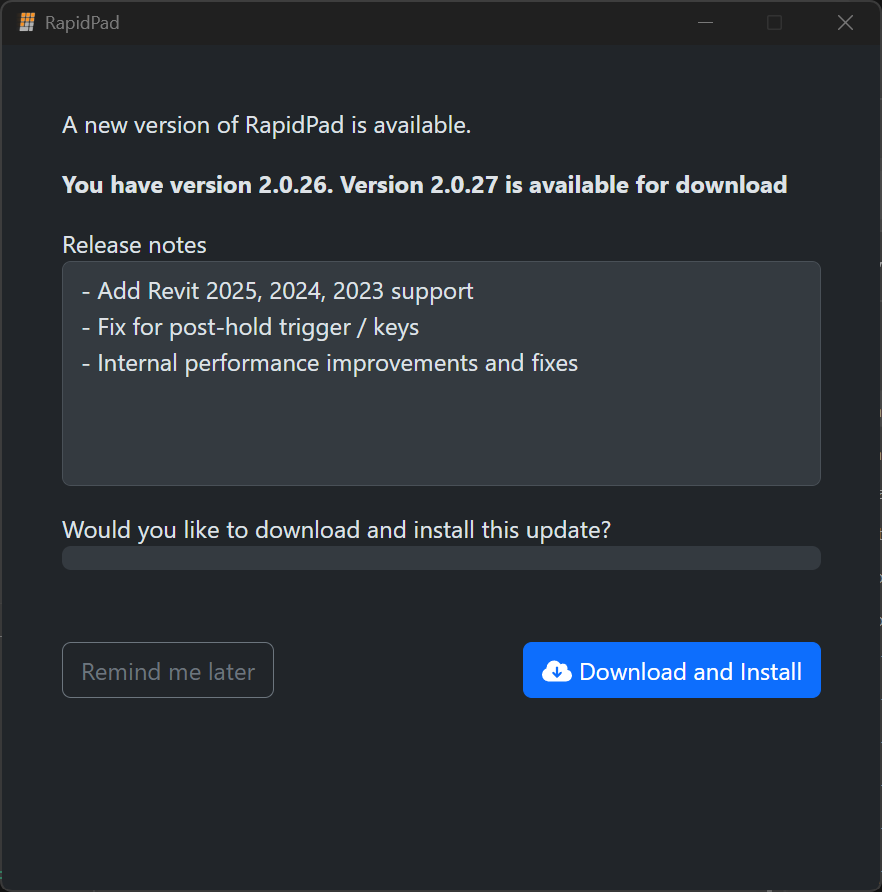
When you click Download and Install, RapidPad will start the download and immediately start the update after it finishes downloading. Then after installation RapidPad will start again.
If you check for Updates again you should notice:
